• About Us
  • Calendar
  • Blog
  • Contact Us
Hit enter to search or ESC to close
MIT Sloan Teaching & Learning Technologies
  • Home
  • AI Hub
  • Trainings
  • Tools
  • Teaching Spaces
  • How-to Guides
  • Support
Screenshot of the apple screen mirroring options connected to a Crestron displayFacultyHow-to GuideTA

How to Connect Your Mac Laptop to a Display or Projector

At a Glance This guide will help you connect your Apple laptop to a display…
Elias Bouquillon
Elias BouquillonJuly 9, 2025
Course AdminFacultyTATeaching Spaces

How to Present with a Laptop in an MIT Sloan Classroom

At a Glance You can connect your laptop and display your screen on any projector…
Elias Bouquillon
Elias BouquillonNovember 28, 2023
Course AdminCourse Bot (Beta)Course ManagementFacultyGenerative AITATool Overview

Tool Overview: AskTIM

Description AskTIM is MIT’s Canvas integration offering a suite of experimental generative AI tools: Course…
Anna Wright
Anna WrightSeptember 10, 2025
Course AdminFacultyGenerative AIGenerative AIHow-to GuideTATeach and Learn

Data-Driven Teaching: AI for Pre- and Post-Class Surveys

At a Glance Great teaching is always evolving, and regular feedback from students can help…
Jillian Rubman
Jillian RubmanOctober 30, 2023
Course AdminFacultyTATeaching Spaces

How to Present with the Document Camera in an MIT Sloan Classroom

At a Glance MIT Sloan classrooms with a Teaching Table include a built-in document camera…
Elias Bouquillon
Elias BouquillonDecember 19, 2023
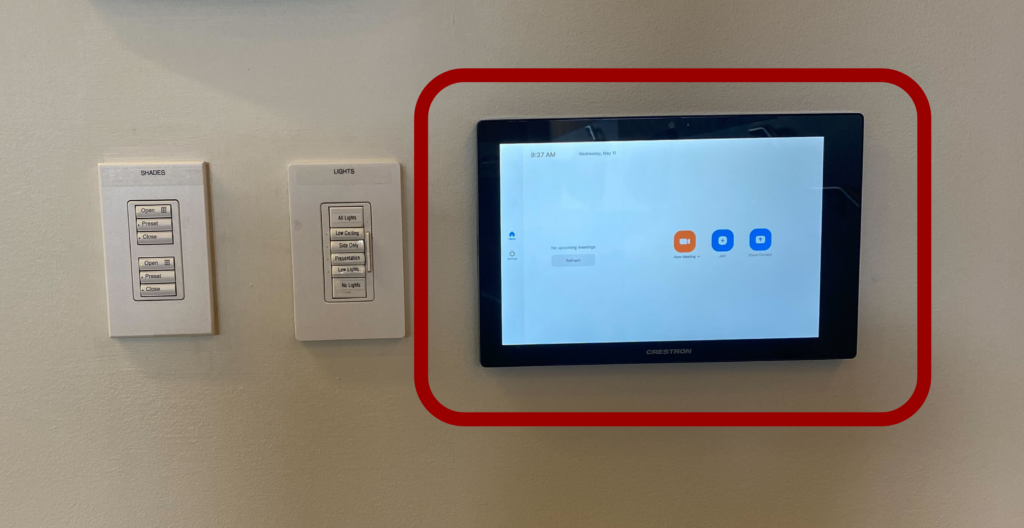
Photo of Zoom Panel in ClassroomFacultyHow-to GuideStudentTeaching SpacesZoom

How to Connect an MIT Sloan Classroom to Zoom

At a Glance Many MIT Sloan classrooms are equipped with Zoom Rooms, a system that…
Elias Bouquillon
Elias BouquillonAugust 2, 2021
Explain EverythingFacultyHow-to GuideStudentTATeaching SpacesWhiteboardingZoom

How to Wirelessly Connect an iPad or Laptop in an MIT Sloan Conference Room

At a Glance Projecting wirelessly allows you to move freely around the conference room as…
Elias Bouquillon
Elias BouquillonMay 18, 2023

A+ AttendanceAnnouncementsCanvasCourse Management

Simplify Attendance with aPlus+

Introducing aPlus+ Attendance (also called A+ Attendance), designed to address the inefficiencies and distractions of…
Justin Kim
Justin KimAugust 1, 2024
AICanvas

The AI-Ready Canvas Course: Six Steps to Future-Proof Your Teaching

AI capabilities are rapidly becoming ubiquitous in educational technology. Soon, you'll be hard-pressed to find…
Shallon Silvestrone
Shallon SilvestroneMay 14, 2025
AnnouncementsCanvasGrading

New in Canvas: Screen Capture Feedback Feature Added to SpeedGrader

Imagine if you could provide feedback to your students that's not only more engaging and…
Anna Wright
Anna WrightFebruary 26, 2025
Previous 1 2 3 Next

Recent Posts

  • Simulated Personas, Real Insights: An MIT Sloan Student’s Perspective on AI for User Research
  • The AI-Ready Canvas Course: Six Steps to Future-Proof Your Teaching
  • Deep Research: Transforming the Creation of Learning Materials with Research-Backed AI
  • If AI Can’t Read Your Syllabus, Neither Can Your Students
  • Help Shape the Future of the Teaching Table!

Popular Posts

  • Illustration of students in a discussion
    4 Tips to Design an Engaging Discussion in Canvas January 7, 2022
  • Two people standing in front of a screen filled with images, with one pointing at one image
    Supporting Learning with AI-Generated Images: A Research-Backed Guide March 6, 2024
  • Timely Insights & Use Cases for OpenAI in the Classroom: DALL·E Imagery and ChatGPT’s Image Analysis & Voice Functionality October 20, 2023
  • AI-Assisted Grading: A Magic Wand or a Pandora’s Box? May 9, 2024
  • New Resource Alert: Dive into ChatGPT’s Advanced Data Analysis (formerly Code Interpreter) September 19, 2023

About Us

  • Who We Are
  • Sitemap
  • Privacy Statement
  • Accessibility

Live Trainings

  • Canvas Essentials
  • Conference Room Technology
  • Simplify Attendance with A+
  • View All Live Trainings

Request Forms

  • General Support Request
  • Course Copy Request
  • Consultation Request
  • View All Request Forms

Self-Paced Courses

  • Build a Gold Standard Canvas Course
  • Create a Virtual Exam
  • Flip Your Class
  • View All Self-Paced Courses

Quick Start Guides

  • Term Start Checklist
  • A+ Attendance
  • Poll Everywhere
  • End-of-Term Checklist

Teaching Spaces

  • Teaching Studio
  • Reserve a Space
  • Classroom Technologies
  • Equipment Recommendations

Recent Blog Posts

  • Simulated Personas, Real Insights: An MIT Sloan Student’s Perspective on AI for User Research August 15, 2025
  • The AI-Ready Canvas Course: Six Steps to Future-Proof Your Teaching May 14, 2025
  • Deep Research: Transforming the Creation of Learning Materials with Research-Backed AI March 26, 2025
  • If AI Can’t Read Your Syllabus, Neither Can Your Students February 27, 2025

© 2026 MIT Sloan Teaching & Learning Technologies.

  • Home
  • AI Hub
  • Trainings
  • Tools
  • Teaching Spaces
  • How-to Guides
  • Support
  • About Us
  • Calendar
  • Blog
  • Contact Us