• About Us
  • Calendar
  • Blog
  • Contact Us
Hit enter to search or ESC to close
MIT Sloan Teaching & Learning Technologies
  • Home
  • AI Hub
  • Trainings
  • Tools
  • Teaching Spaces
  • How-to Guides
  • Support
Explain EverythingFacultyHow-to GuideStudentTATeaching SpacesWhiteboardingZoom

How to Wirelessly Connect an iPad or Laptop in an MIT Sloan Classroom

At a Glance In MIT Sloan Classrooms, projecting wirelessly allows you to move freely around…
Elias Bouquillon
Elias BouquillonOctober 19, 2021
Course AdminFacultyTATeaching Spaces

How to Present with a Laptop in an MIT Sloan Classroom

At a Glance You can connect your laptop and display your screen on any projector…
Elias Bouquillon
Elias BouquillonNovember 28, 2023
Course AdminFacultyTATeaching Spaces

How to Present with the Document Camera in an MIT Sloan Classroom

At a Glance MIT Sloan classrooms with a Teaching Table include a built-in document camera…
Elias Bouquillon
Elias BouquillonDecember 19, 2023
Course AdminFacultyTATeaching Spaces

How to Present with the Built-in PC in an MIT Sloan Classroom

At a Glance Each MIT Sloan classroom with a Teaching Table includes a built-in Windows…
Elias Bouquillon
Elias BouquillonJanuary 3, 2024
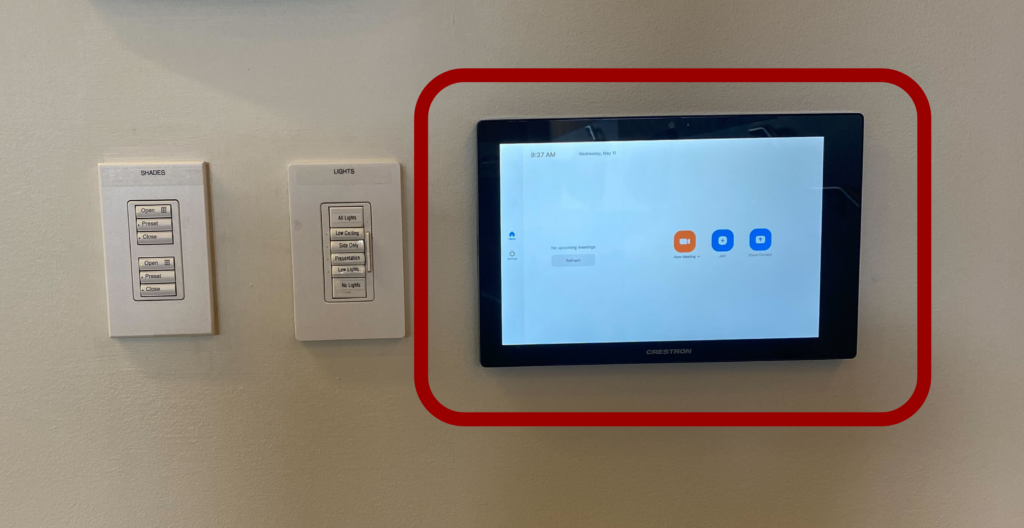
Photo of Zoom Panel in ClassroomFacultyHow-to GuideStudentTeaching SpacesZoom

How to Connect an MIT Sloan Classroom to Zoom

At a Glance Many MIT Sloan classrooms are equipped with Zoom Rooms, a system that…
Elias Bouquillon
Elias BouquillonAugust 2, 2021
Explain EverythingFacultyHow-to GuideStudentTATeaching SpacesWhiteboardingZoom

How to Wirelessly Connect an iPad or Laptop in an MIT Sloan Conference Room

At a Glance Projecting wirelessly allows you to move freely around the conference room as…
Elias Bouquillon
Elias BouquillonMay 18, 2023
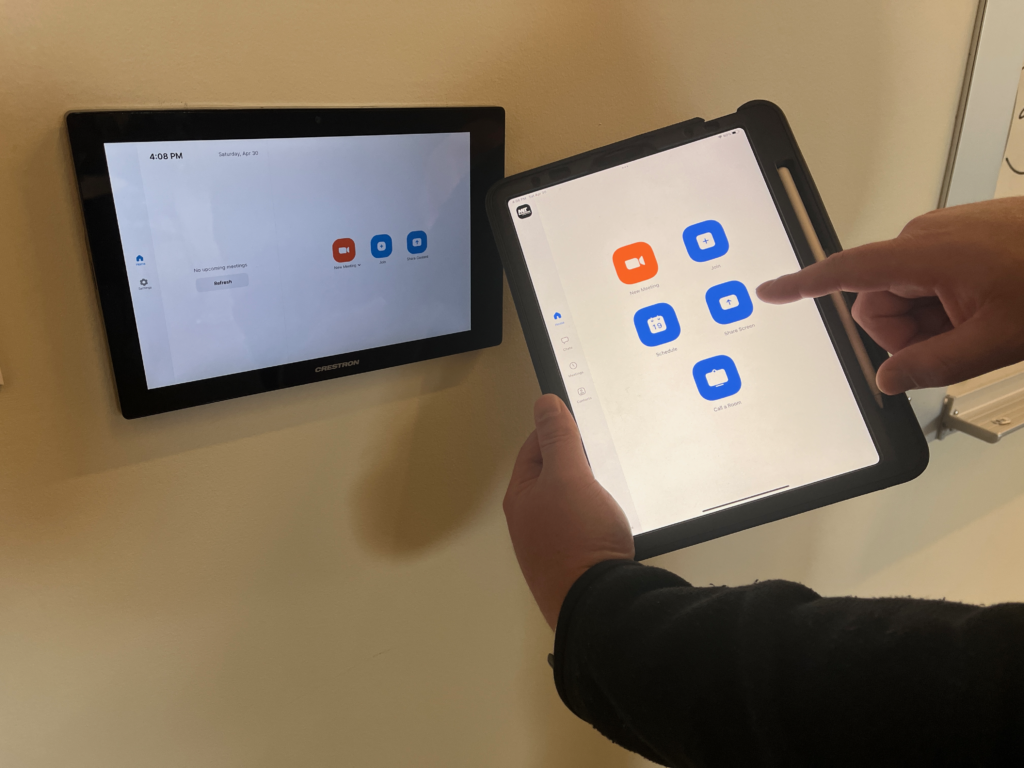
Photo of someone holding an ipad close to a zoom room controllerExplain EverythingFacultyHow-to GuideStudentTATeaching SpacesWhiteboardingZoom

How to Wirelessly Connect an iPad or Laptop in an MIT Sloan Supported Space

At a Glance Projecting wirelessly in one of our classrooms or conference rooms allows you…
Elias Bouquillon
Elias BouquillonMay 19, 2023
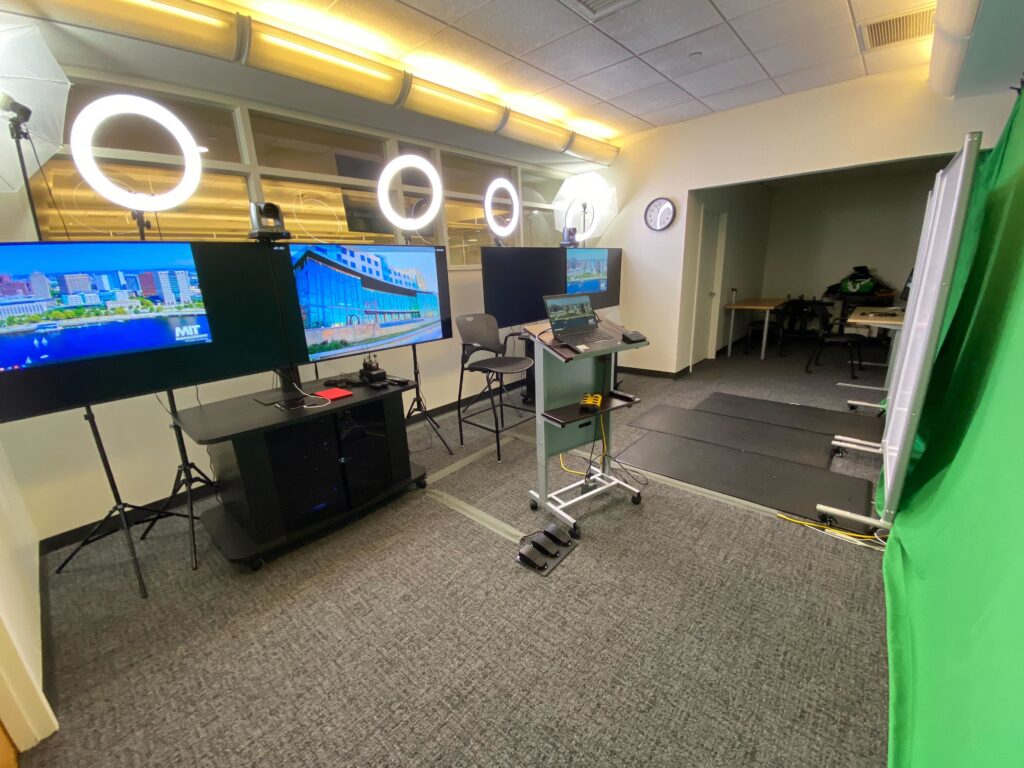
Photo of the E51-221 Teaching StudioAnnouncementsTeaching Spaces

Welcome to the New MIT Sloan Teaching Studio!

The MIT Sloan Teaching Studio is up and running! The Teaching and Learning Technologies team…
Jillian Rubman
Jillian RubmanJune 6, 2022

Recent Posts

  • New Tool Alert: Course Copilot in Canvas
  • A+ Attendance Update: New Default Check-In Settings
  • Simulated Personas, Real Insights: An MIT Sloan Student’s Perspective on AI for User Research
  • The AI-Ready Canvas Course: Six Steps to Future-Proof Your Teaching
  • Deep Research: Transforming the Creation of Learning Materials with Research-Backed AI

Popular Posts

  • Illustration of students in a discussion
    4 Tips to Design an Engaging Discussion in Canvas January 7, 2022
  • Two people standing in front of a screen filled with images, with one pointing at one image
    Supporting Learning with AI-Generated Images: A Research-Backed Guide March 6, 2024
  • AI-Assisted Grading: A Magic Wand or a Pandora’s Box? May 9, 2024
  • Timely Insights & Use Cases for OpenAI in the Classroom: DALL·E Imagery and ChatGPT’s Image Analysis & Voice Functionality October 20, 2023
  • New Resource Alert: Dive into ChatGPT’s Advanced Data Analysis (formerly Code Interpreter) September 19, 2023

About Us

  • Who We Are
  • Sitemap
  • Privacy Statement
  • Accessibility

Canvas Support

  • How to Get Help with Canvas
  • Canvas Quick Start for PCAs
  • Canvas Quick Start for TAs
  • Course Copilot

Request Forms

  • General Support Request
  • Course Copy Request
  • Consultation Request
  • View All Request Forms

AI Resources

  • AI Resource Hub
  • AI Tools for Faculty
  • AI Tools for Students
  • Navigating Data Privacy

Quick Start Guides

  • Term Start Checklist
  • A+ Attendance
  • Poll Everywhere
  • End-of-Term Checklist

Teaching Spaces

  • Teaching Studio
  • Reserve a Space
  • Classroom Technologies
  • Equipment Recommendations

Recent Blog Posts

  • New Tool Alert: Course Copilot in Canvas September 3, 2026
  • Photograph of students in a classroomA+ Attendance Update: New Default Check-In Settings August 19, 2026
  • Simulated Personas, Real Insights: An MIT Sloan Student’s Perspective on AI for User Research August 15, 2025
  • The AI-Ready Canvas Course: Six Steps to Future-Proof Your Teaching May 14, 2025

© 2026 MIT Sloan Teaching & Learning Technologies.

  • Home
  • AI Hub
  • Trainings
  • Tools
  • Teaching Spaces
  • How-to Guides
  • Support
  • About Us
  • Calendar
  • Blog
  • Contact Us