At a Glance
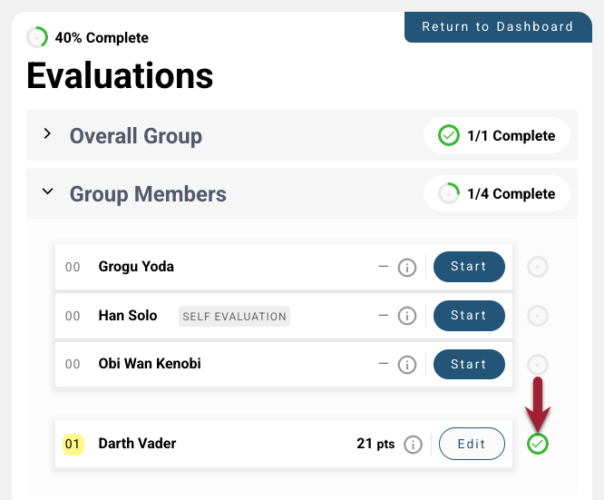
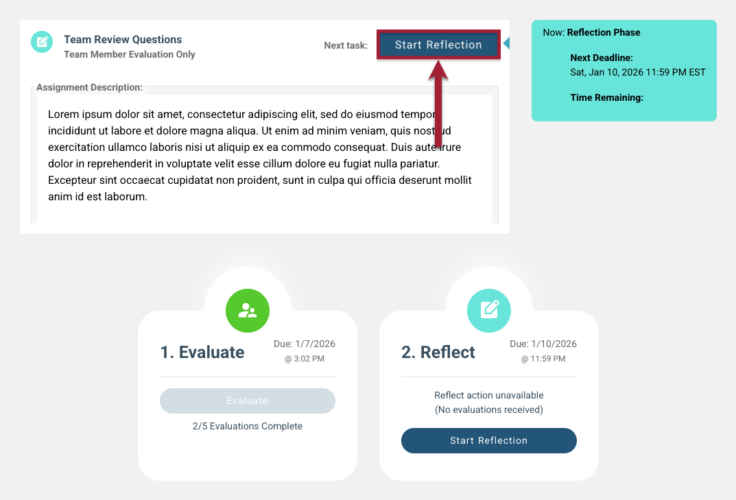
Peerceptiv gives you opportunities to give and receive structured peer feedback. Your instructor may ask you to complete one or more of the following:
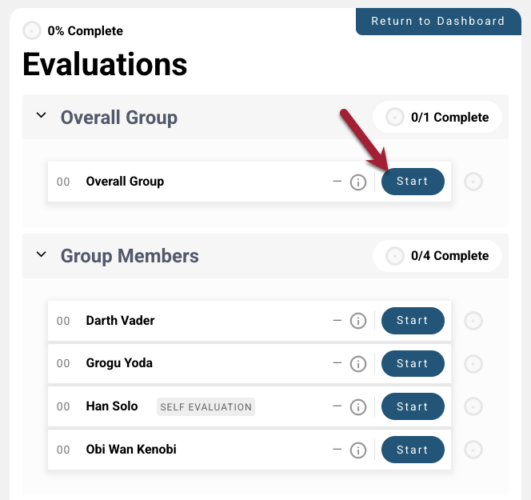
- Self-assessment (evaluate your own contributions)
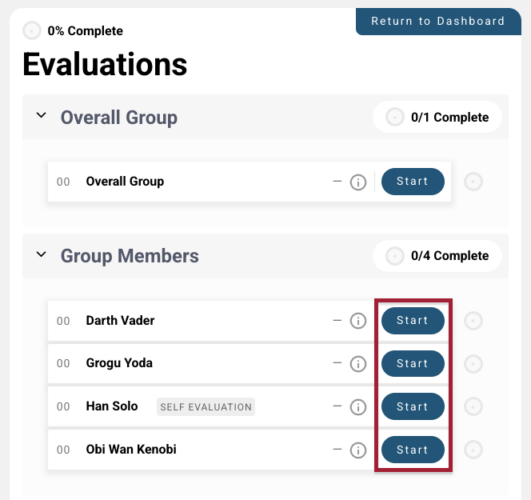
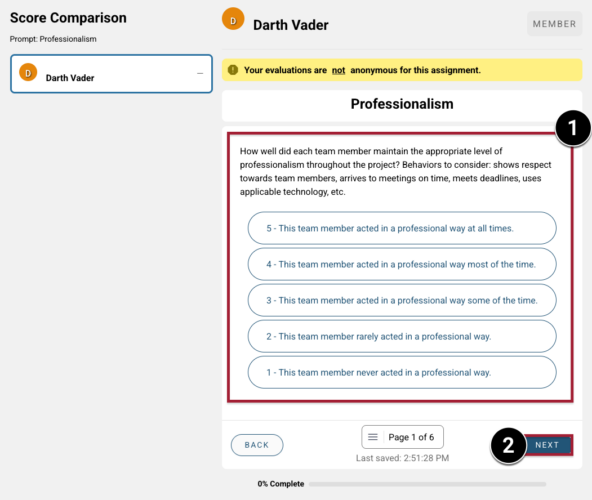
- Peer assessment (evaluate each teammate in your group)
- Team-level assessment (reflect on your team’s overall performance)
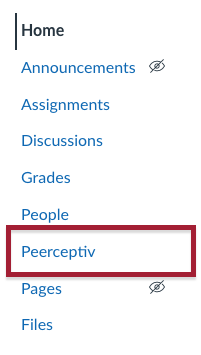
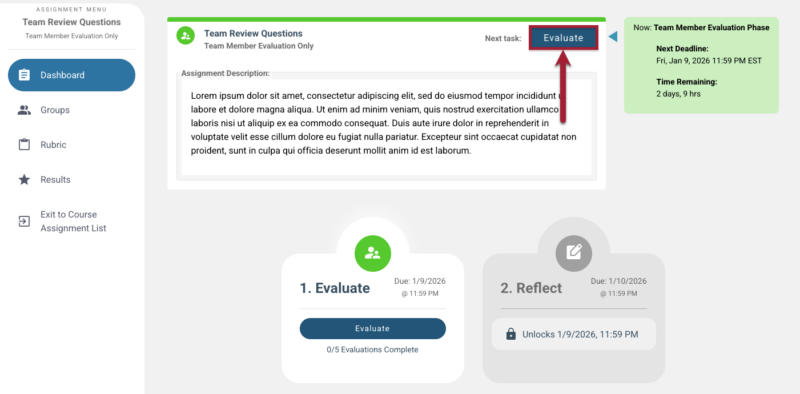
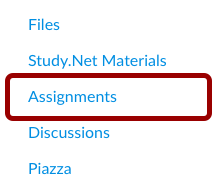
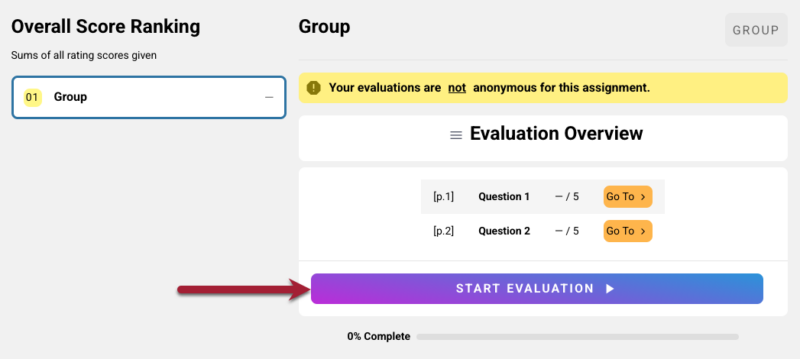
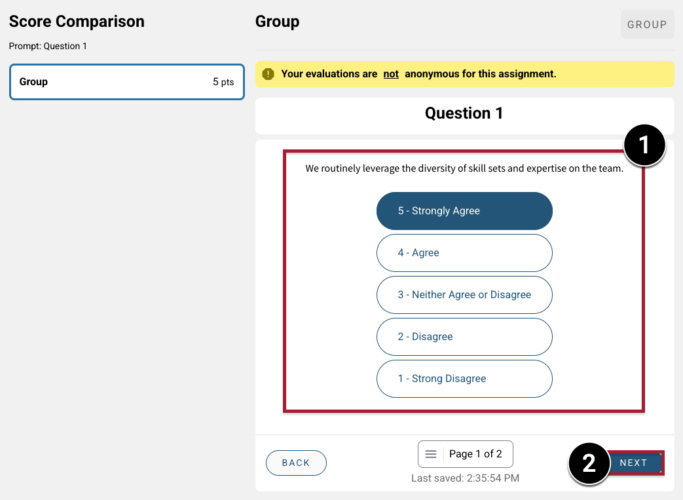
In this guide, you’ll learn how to access, complete, and review the results of a Team Member Evaluation in Peerceptiv. Depending on how your instructor set it up, you’ll access the evaluation either through Canvas or directly through the Peerceptiv tool.
We’re piloting Peerceptiv in select courses in Spring, Summer, and Fall 2026. This page contains information for courses that are taking part in the pilot program.
Step 3: View Feedback & Grades
What appears on your Results page depends on what your instructor has released. Some instructors may choose to share comments, ratings, grades, or a combination of these.
To view your results:
- Access your Team Member Evaluation from your Canvas course (see Step 1: Access Your Team Member Evaluation above).
- Click View Results.
- If available, review the following:
- Written comments from your teammates
- Your ratings for each rubric category
- Your overall grade (if the evaluation is graded)
To learn more, see Peerceptiv’s documentation.
IMPORTANT: If you don’t see your feedback or grades, or if you have questions about your results, reach out to your TA or instructor.
How to Get Support
Peerceptiv
Peerceptiv provides end-user support as part of MIT Sloan’s Enterprise license. You can: